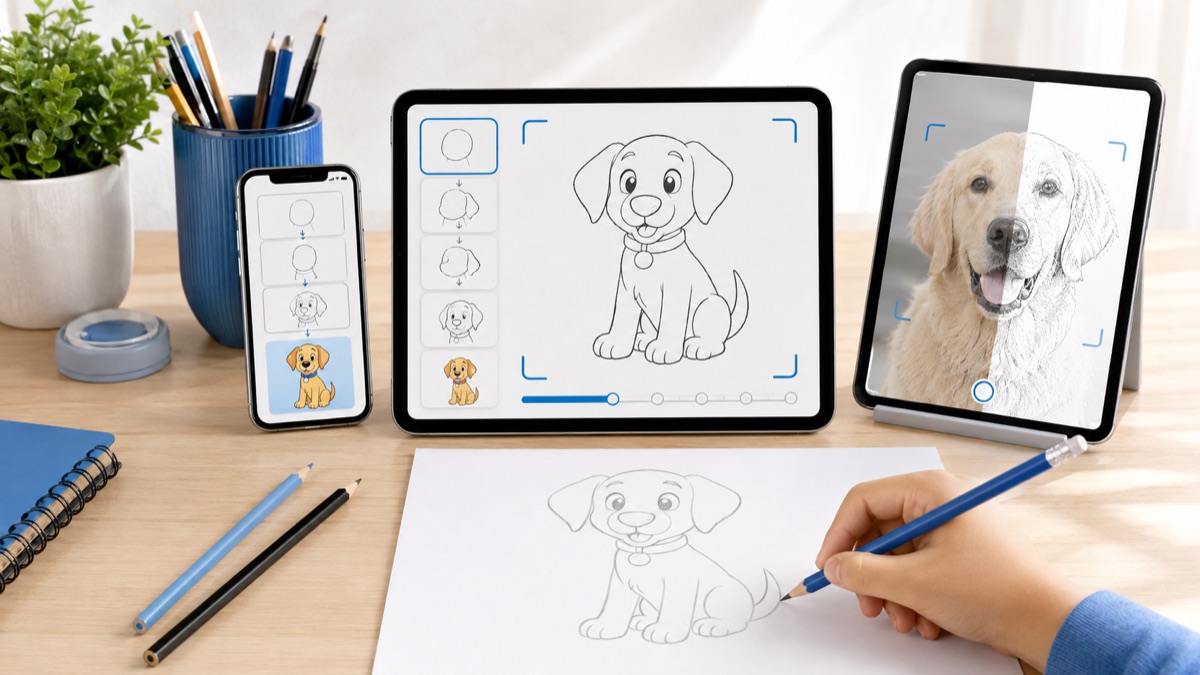
Break drawings into simple stages
Built for people who want a simple path from idea to real drawing practice on iPhone or iPad.
how to draw step by step
Follow a clear drawing process from the first outline to the final details, with lessons designed for quick practice on iPhone and iPad.
Real drawing videos
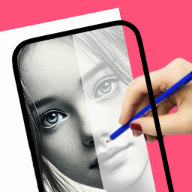
See short @howtodrawapp demos before you install: AR tracing, drawing projector setup, photo-to-sketch practice, anime sketches, and real paper drawing workflows.
Built for people who want a simple path from idea to real drawing practice on iPhone or iPad.
Built for people who want a simple path from idea to real drawing practice on iPhone or iPad.
Built for people who want a simple path from idea to real drawing practice on iPhone or iPad.
Drawing workflow
Step-by-step drawing works because each small action is clear. The app turns a difficult subject into a short sequence users can practice without guessing what comes next.
First-time drawers who need structure.
Users who abandon blank-canvas apps.
Parents and students looking for simple practice.
iPad users who prefer larger lesson screens.
They show the finished result but do not always explain the order.
They can be useful, but they add friction for quick mobile practice.
Keeps the lesson, reference, tracing support, and install action together.
Beginners
Short practice sessions
Users who need a repeatable drawing routine
Users wanting live classes
Professional art-school critique workflows
Draw big shapes first.
Use light pencil pressure.
Repeat the same lesson twice before switching.
Step-by-step lessons work best when the user can come back, pick a new subject, and continue without setting up a complicated drawing system.
Try anime eyes, a simple dog, easy flowers, cute doodles, and beginner face shapes as short repeatable practice sessions.
The workflow focuses on one drawing goal and keeps the App Store action clear on desktop and mobile.
Open the app, pick one reference, trace the structure, then repeat the same subject without tracing. That creates learning, not just copying.
Yes. It reduces the drawing into smaller decisions and makes the first attempt less intimidating.
Yes. Tracing can help place the outline before freehand practice.
Start with animals, flowers, simple faces, cute doodles, or anime eyes.
Yes. iPad gives a larger reference view for lessons.
It opens the official App Store listing for the app.
Start with the guide that matches this search, then try the kids drawing article for simple ideas parents and young beginners can use today.